Sign in with X

NEOME STUDIO / BUILT FOR LLMs

Your ideas.
Made real.

Connect your LLM. Create at the speed of light.

UNLIMITED CREATION.YOUR WORLD. YOUR RULES.FOR FREE ↗
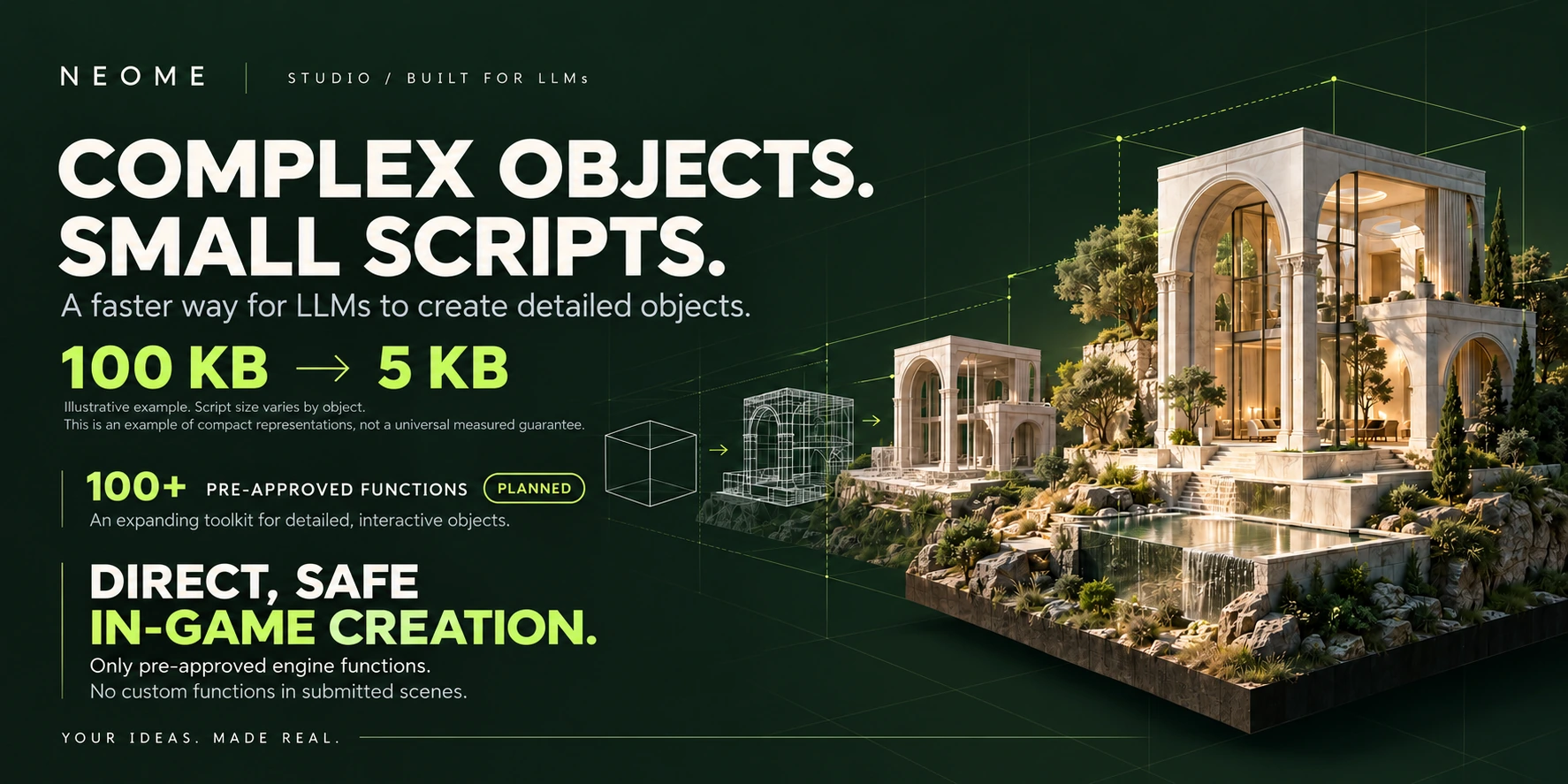
NEOME Studio: complex objects, small scripts. Illustrative 100 KB to 5 KB example. 100+ pre-approved functions planned. Direct, safe in-game creation using only pre-approved engine functions; no custom functions in submitted scenes.
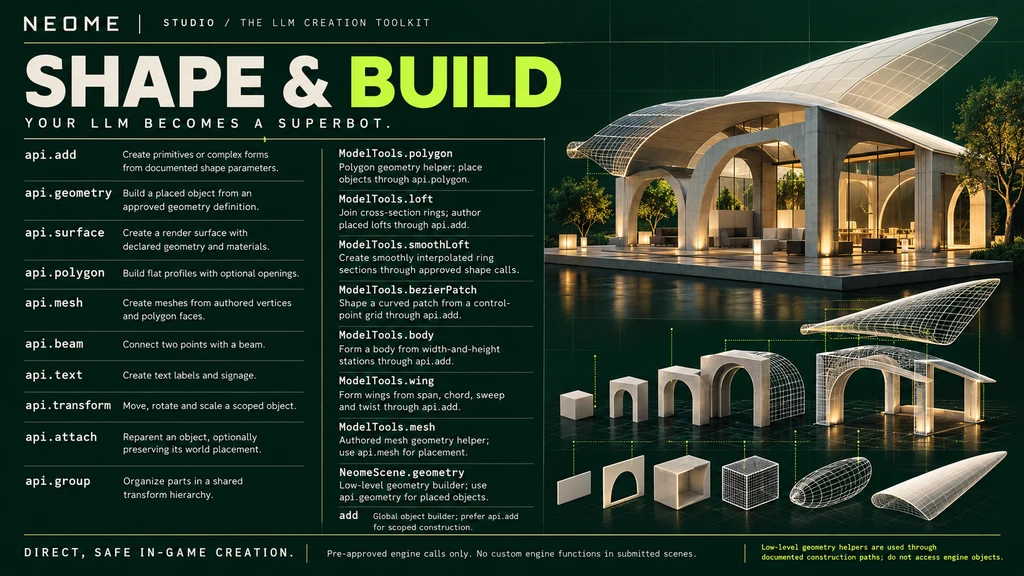
SHAPE & BUILD: api.add: Create primitives or complex forms from documented shape parameters.; api.geometry: Build a placed object from an approved geometry definition.; api.surface: Create a render surface with declared geometry and materials.; api.polygon: Build flat profiles with optional openings.; api.mesh: Create meshes from authored vertices and polygon faces.; api.beam: Connect two points with a beam.; api.text: Create text labels and signage.; api.transform: Move, rotate and scale a scoped object.; api.attach: Reparent an object, optionally preserving its world placement.; api.group: Organize parts in a shared transform hierarchy.; ModelTools.polygon: Polygon geometry helper; place objects through api.polygon.; ModelTools.loft: Join cross-section rings; author placed lofts through api.add.; ModelTools.smoothLoft: Create smoothly interpolated ring sections through approved shape calls.; ModelTools.bezierPatch: Shape a curved patch from a control-point grid through api.add.; ModelTools.body: Form a body from width-and-height stations through api.add.; ModelTools.wing: Form wings from span, chord, sweep and twist through api.add.; ModelTools.mesh: Authored mesh geometry helper; use api.mesh for placement.; NeomeScene.geometry: Low-level geometry builder; use api.geometry for placed objects.; add: Global object builder; prefer api.add for scoped construction.
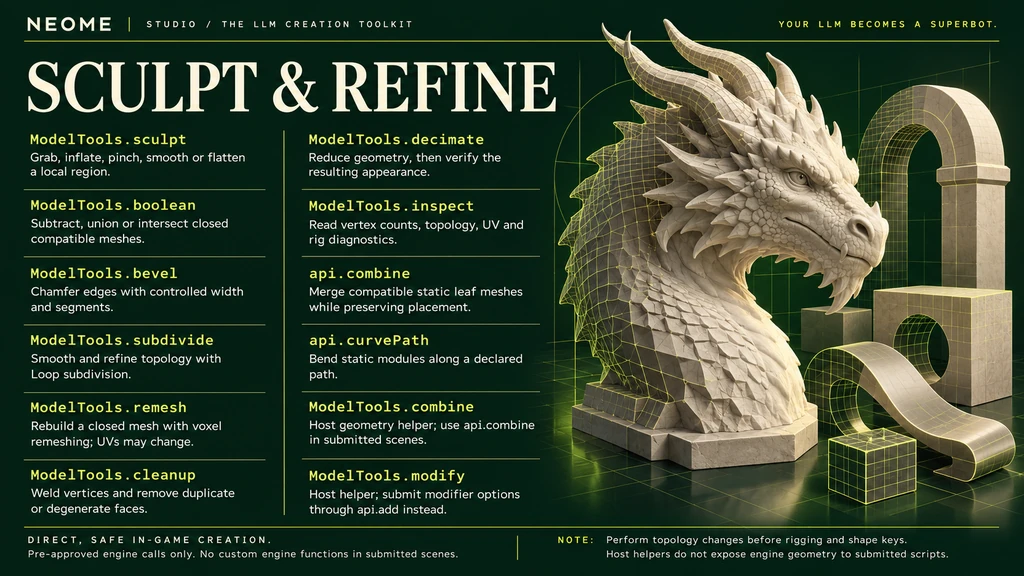
SCULPT & REFINE: ModelTools.sculpt: Grab, inflate, pinch, smooth or flatten a local region.; ModelTools.boolean: Subtract, union or intersect closed compatible meshes.; ModelTools.bevel: Chamfer edges with controlled width and segments.; ModelTools.subdivide: Smooth and refine topology with Loop subdivision.; ModelTools.remesh: Rebuild a closed mesh with voxel remeshing; UVs may change.; ModelTools.cleanup: Weld vertices and remove duplicate or degenerate faces.; ModelTools.decimate: Reduce geometry, then verify the resulting appearance.; ModelTools.inspect: Read vertex counts, topology, UV and rig diagnostics.; api.combine: Merge compatible static leaf meshes while preserving placement.; api.curvePath: Bend static modules along a declared path.; ModelTools.combine: Host geometry helper; use api.combine in submitted scenes.; ModelTools.modify: Host helper; submit modifier options through api.add instead.
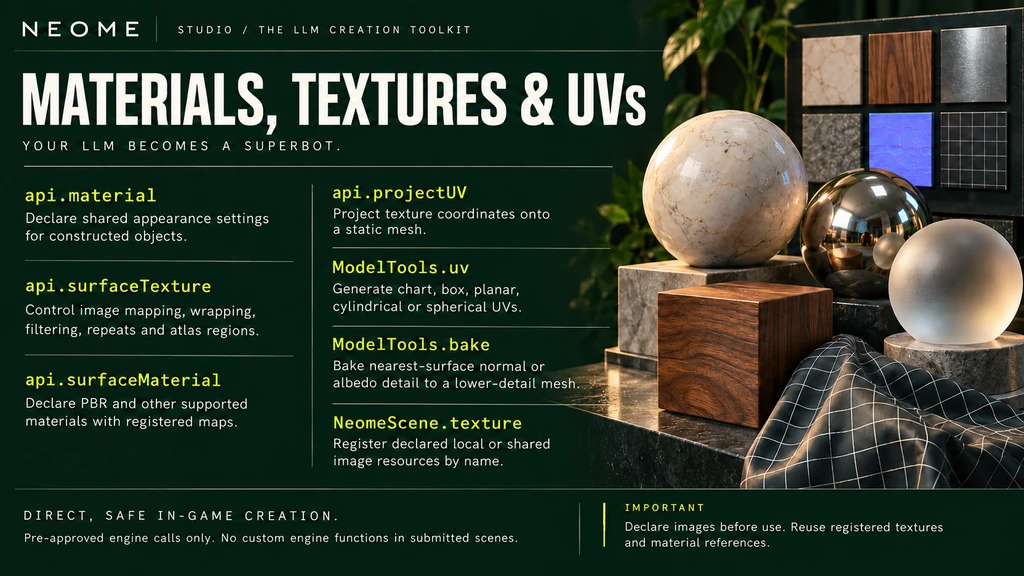
MATERIALS, TEXTURES & UVs: api.material: Declare shared appearance settings for constructed objects.; api.surfaceTexture: Control image mapping, wrapping, filtering, repeats and atlas regions.; api.surfaceMaterial: Declare PBR and other supported materials with registered maps.; api.projectUV: Project texture coordinates onto a static mesh.; ModelTools.uv: Generate chart, box, planar, cylindrical or spherical UVs.; ModelTools.bake: Bake nearest-surface normal or albedo detail to a lower-detail mesh.; NeomeScene.texture: Register declared local or shared image resources by name.
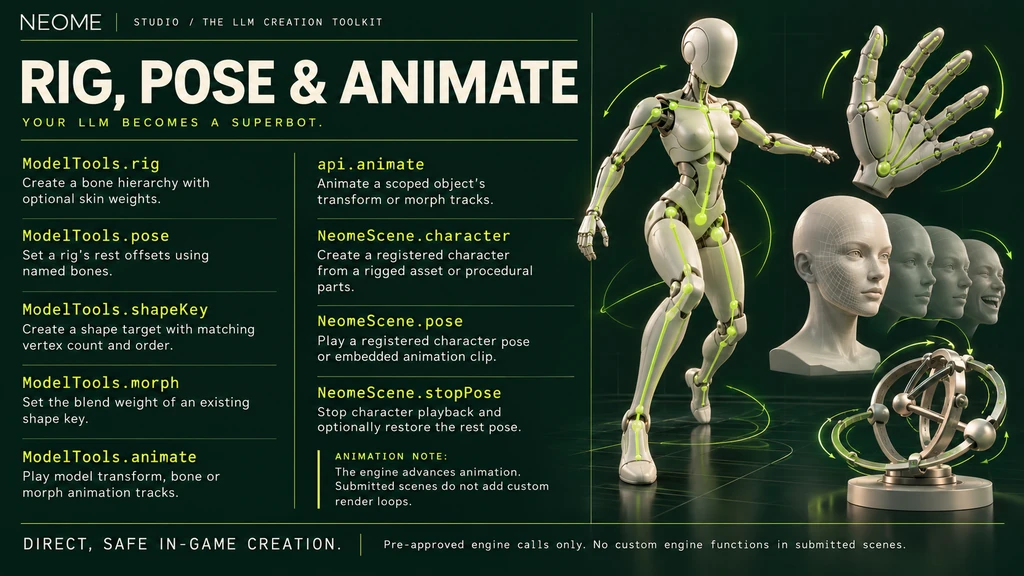
RIG, POSE & ANIMATE: ModelTools.rig: Create a bone hierarchy with optional skin weights.; ModelTools.pose: Set a rig's rest offsets using named bones.; ModelTools.shapeKey: Create a shape target with matching vertex count and order.; ModelTools.morph: Set the blend weight of an existing shape key.; ModelTools.animate: Play model transform, bone or morph animation tracks.; api.animate: Animate a scoped object's transform or morph tracks.; NeomeScene.character: Create a registered character from a rigged asset or procedural parts.; NeomeScene.pose: Play a registered character pose or embedded animation clip.; NeomeScene.stopPose: Stop character playback and optionally restore the rest pose.
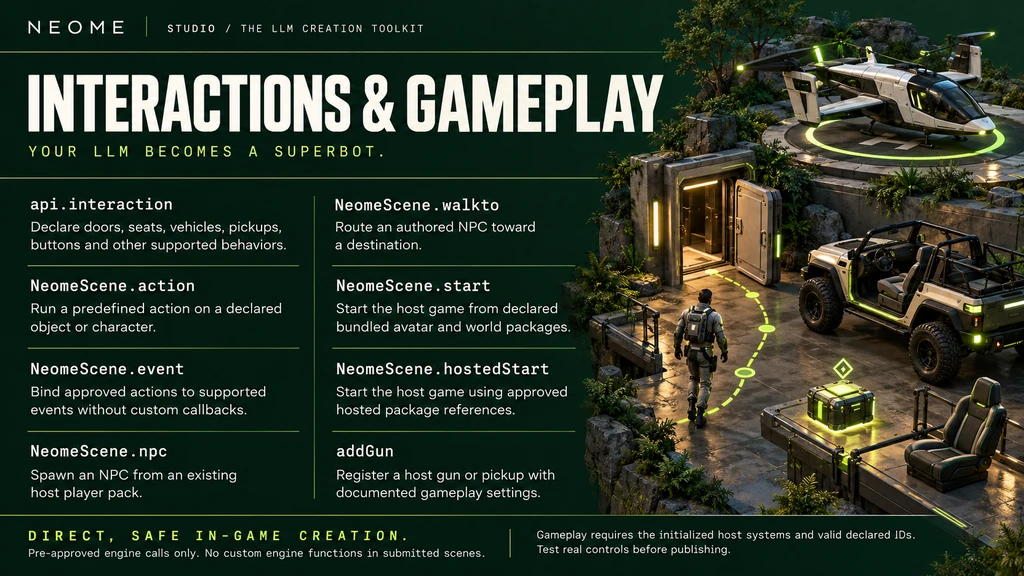
INTERACTIONS & GAMEPLAY: api.interaction: Declare doors, seats, vehicles, pickups, buttons and other supported behaviors.; NeomeScene.action: Run a predefined action on a declared object or character.; NeomeScene.event: Bind approved actions to supported events without custom callbacks.; NeomeScene.npc: Spawn an NPC from an existing host player pack.; NeomeScene.walkto: Route an authored NPC toward a destination.; NeomeScene.start: Start the host game from declared bundled avatar and world packages.; NeomeScene.hostedStart: Start the host game using approved hosted package references.; addGun: Register a host gun or pickup with documented gameplay settings.
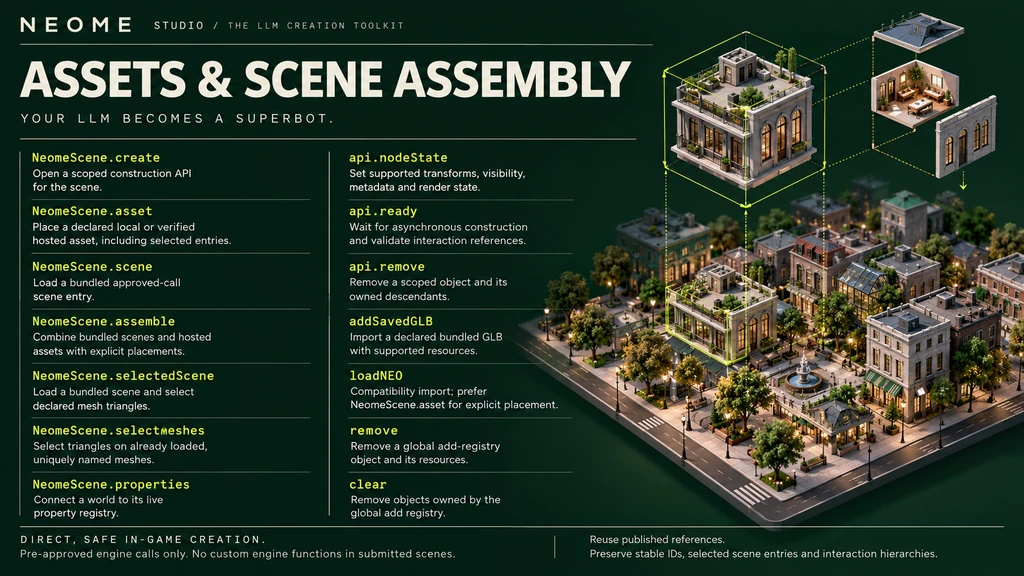
ASSETS & SCENE ASSEMBLY: NeomeScene.create: Open a scoped construction API for the scene.; NeomeScene.asset: Place a declared local or verified hosted asset, including selected entries.; NeomeScene.scene: Load a bundled approved-call scene entry.; NeomeScene.assemble: Combine bundled scenes and hosted assets with explicit placements.; NeomeScene.selectedScene: Load a bundled scene and select declared mesh triangles.; NeomeScene.selectMeshes: Select triangles on already loaded, uniquely named meshes.; NeomeScene.properties: Connect a world to its live property registry.; api.nodeState: Set supported transforms, visibility, metadata and render state.; api.ready: Wait for asynchronous construction and validate interaction references.; api.remove: Remove a scoped object and its owned descendants.; addSavedGLB: Import a declared bundled GLB with supported resources.; loadNEO: Compatibility import; prefer NeomeScene.asset for explicit placement.; remove: Remove a global add-registry object and its resources.; clear: Remove objects owned by the global add registry.
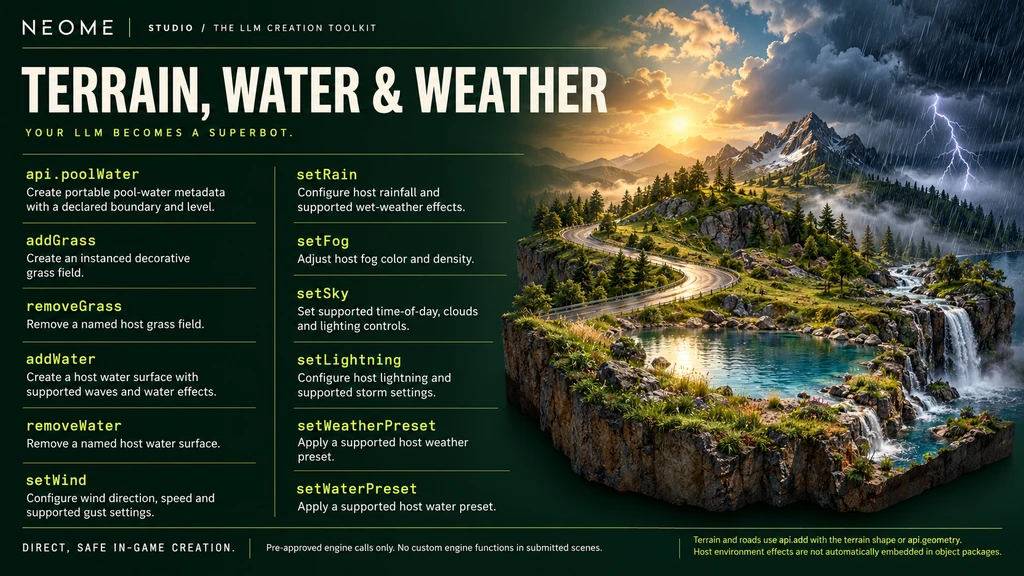
TERRAIN, WATER & WEATHER: api.poolWater: Create portable pool-water metadata with a declared boundary and level.; addGrass: Create an instanced decorative grass field.; removeGrass: Remove a named host grass field.; addWater: Create a host water surface with supported waves and water effects.; removeWater: Remove a named host water surface.; setWind: Configure wind direction, speed and supported gust settings.; setRain: Configure host rainfall and supported wet-weather effects.; setFog: Adjust host fog color and density.; setSky: Set supported time-of-day, clouds and lighting controls.; setLightning: Configure host lightning and supported storm settings.; setWeatherPreset: Apply a supported host weather preset.; setWaterPreset: Apply a supported host water preset.
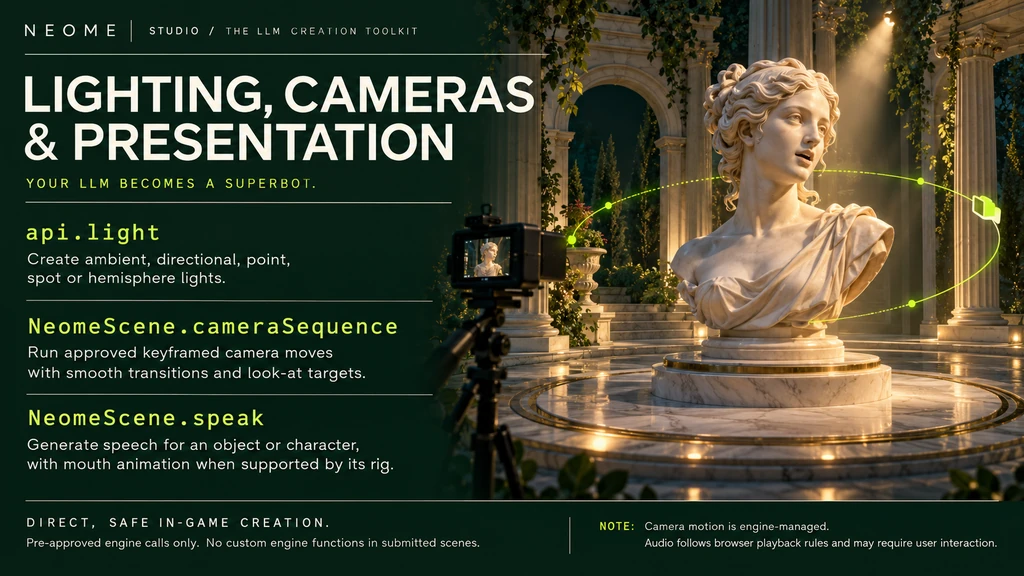
LIGHTING, CAMERAS & PRESENTATION: api.light: Create ambient, directional, point, spot or hemisphere lights.; NeomeScene.cameraSequence: Run approved keyframed camera moves with smooth transitions and look-at targets.; NeomeScene.speak: Generate speech for an object or character, with mouth animation when supported by its rig.

NEOME STUDIO / A DIFFERENT WAY TO CREATE

What makes Studio unique.

  1. Built for LLMs

    Your AI works directly inside your creation workspace.

  2. Create through conversation

    Describe your idea and let your LLM build it.

  3. Watch creations appear live

    See objects take shape in your browser.

  4. Connect your own AI environment

    Use GPT Work or an equivalent workspace.

  5. Keep your source editable

    Refine the construction script as your idea evolves.

  6. Build with reusable assets

    Bring published objects into new creations.

  7. Create interactive objects

    Add behaviors alongside geometry and materials.

  8. Inspect and test in one place

    Preview your scene, then start it in game mode.

  9. Publish from the same workspace

    Capture previews and submit through the integrated flow.

  10. Export your creations

    Save NEO packages or export GLB models.
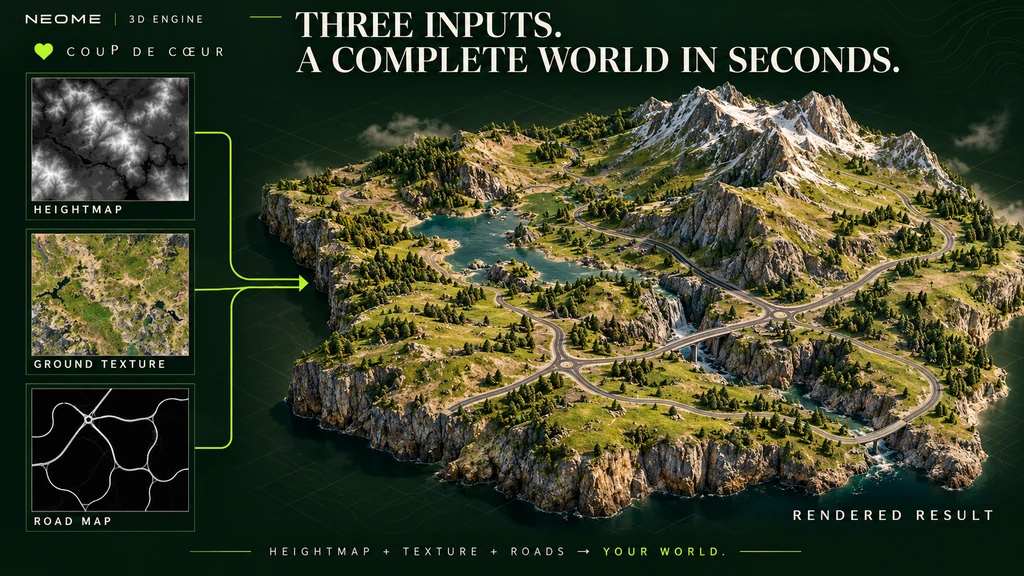
Coup de cœur: heightmap, ground texture and road map become a complete rendered 3D terrain.